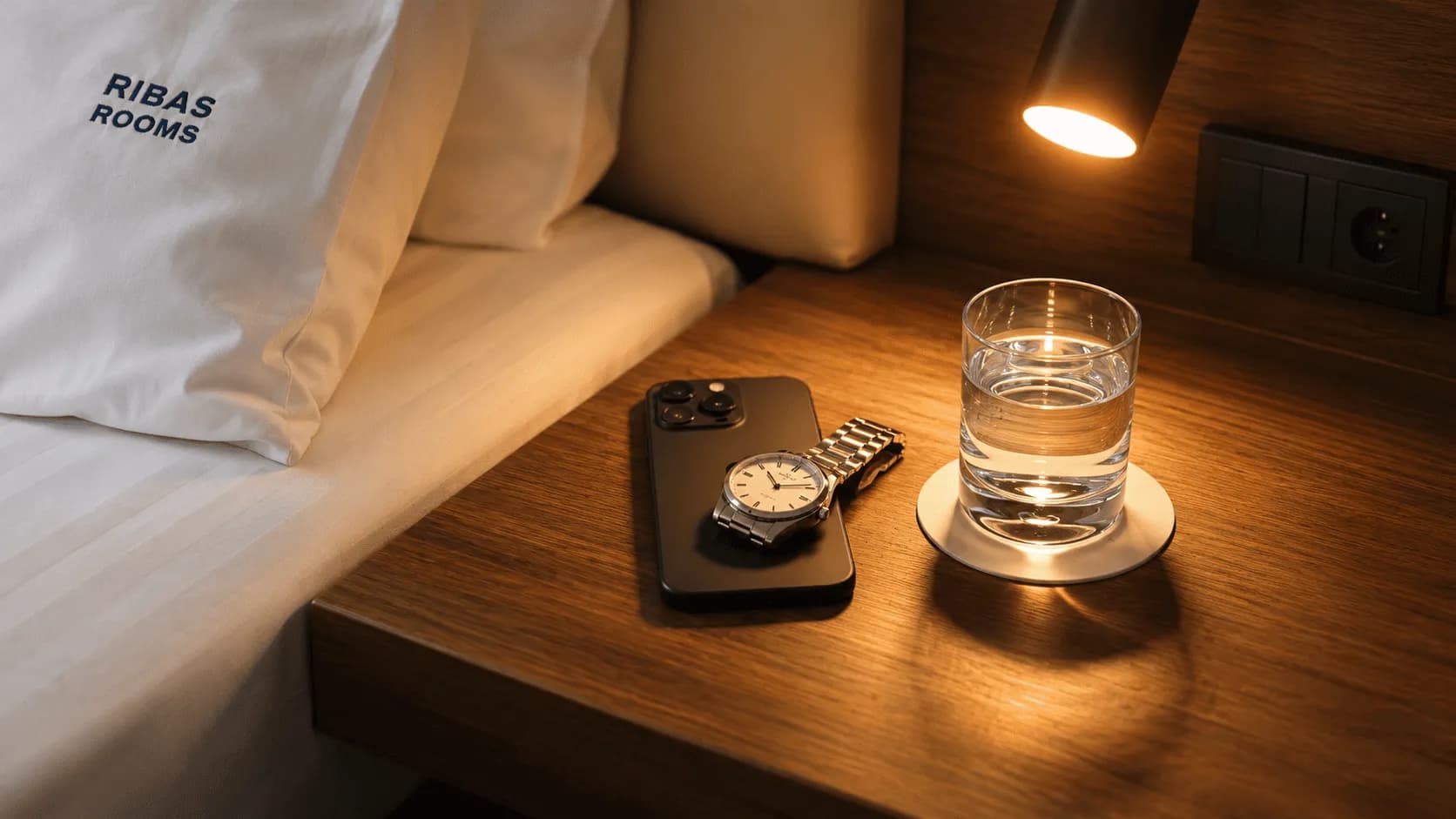
The Art of Remote Work from a Hotel: Staying Productive
Advice for tourists
1473
•
2 October 2026

You have just checked into a stylish room with a panoramic view, but instead of holding a glass of wine, you find yourself with a laptop on your knees. It is a familiar scene: a soft duvet becomes an improvised desk, and relaxation turns into an endless marathon of deadlines. Working from a hotel can go one of two ways: in constant stress and with back pain, or efficiently, with all your tasks completed by evening.
Working from a hotel becomes a real challenge if you have not prepared in advance. We often forget basic things, such as a stable Wi-Fi signal or the right lighting for video calls, and try to fix everything on the go. This quickly drains any professional.
We have put together practical tips to help you turn a temporary room into a fully functioning office where you want not only to work but also to recharge. You will learn how to avoid technical mishaps and why the bed is the worst place for productivity. Let’s set up your working rhythm right now.
Why the bed is the worst choice for productive work
Many people dream of working from a soft mattress, but reality quickly brings them back down to earth. After just an hour in this position, your back starts to ache and your neck stiffens from constantly tilting your head. You lose focus because your body sees this space as a place for relaxation, not for meeting deadlines.
This is a physiological trap. Your muscles do not receive stable support, which leads to fatigue before lunchtime. You become less effective.
Psychology works just as insidiously as anatomy. If you get used to answering work emails while sitting under a warm duvet, your brain stops distinguishing between spaces for rest and exertion. In the evening, when you finally have time for quality sleep, you will toss and turn for hours. The bed will start to be associated with pressing tasks rather than recovery.
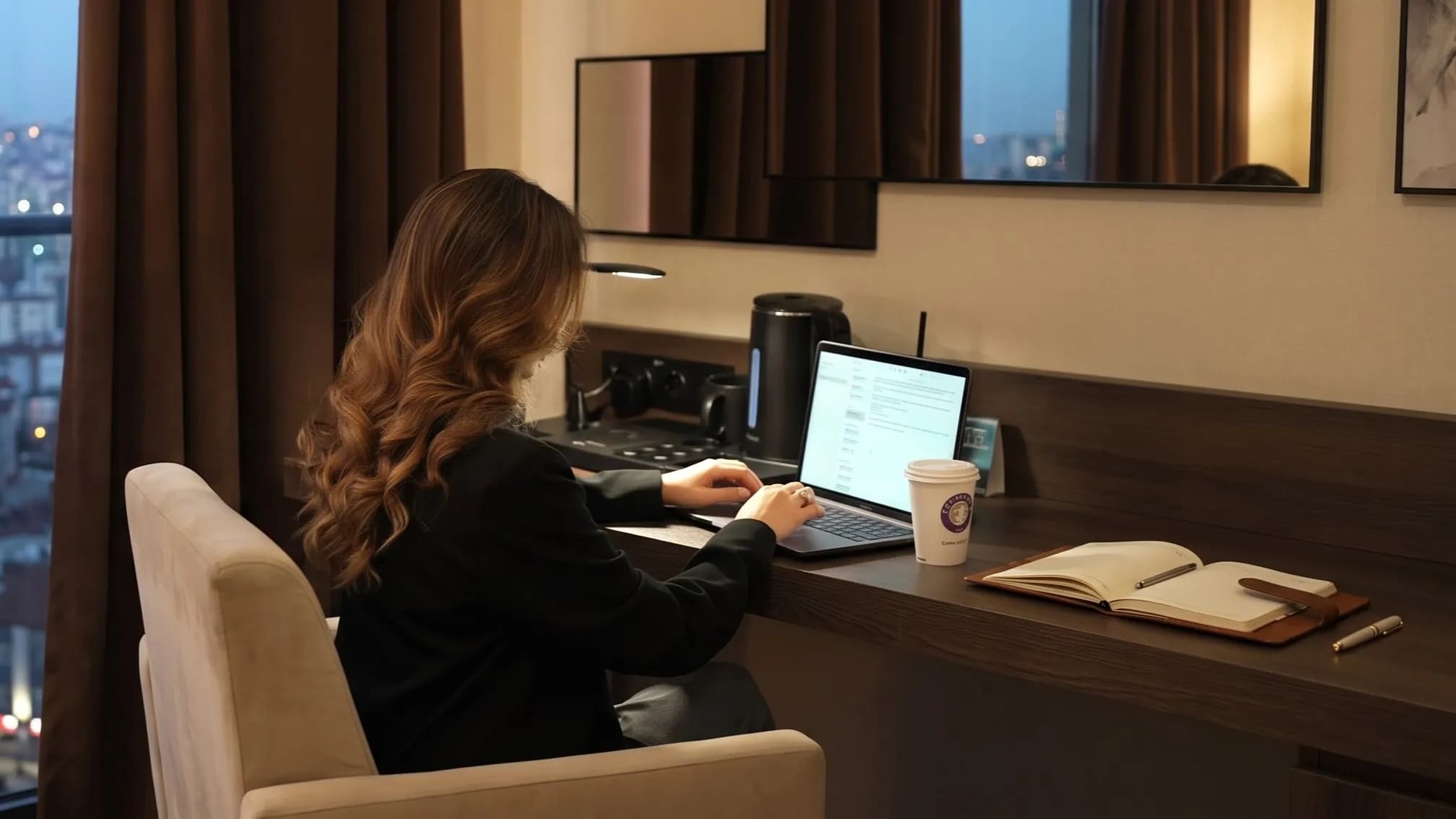
It is better to set up a corner at a table. Use any surface that is not a sleeping area. Even if the room is small, move your laptop to an armchair or a small table. This simple zoning will help you stay productive during the day and sleep soundly at night. You will be able to clearly separate work time from leisure.
Tips for setting up an ergonomic workspace in your room
Even the most compact room can become a fully functioning office if you use the available furniture wisely. Your goal is to create conditions where your back will not hurt after the first hour of preparing reports and your eyes will not tire from improper lighting. Try changing your viewing angle right now.
Proper ergonomics depends on details that are easy to adapt to your needs. Here are several tried-and-tested tips for your comfort:
- Find a table and adjust your seating position: if the chair is too low, place a decorative pillow from the bed behind your lower back to reduce strain on your spine.
- Use the TV as a second monitor: connect your laptop via an HDMI cable to conveniently display spreadsheets or code on the larger screen.
- Choose a workspace facing the window: natural daylight will provide even lighting for your face during video calls.
- Check the power sockets as soon as you check in: the main ports are often hidden under the desk, so it is better to make sure they work before an urgent meeting begins.
- Avoid glare on the screen: if the sun is too bright, draw the light curtains slightly while keeping enough light for comfortable work.
Do not forget to prepare your devices technically. Carrying a compact extension lead is a sign of an experienced traveller. It can be a lifesaver.
Keep in mind that a hotel workspace should be flexible. If the standard desk is the wrong height, try working while standing by placing your laptop on a higher surface, such as a luggage rack. Change your body position often. Pay attention to yourself.
How to make video calls from a hotel without technical mishaps
A video call during a business trip requires preparation, so that instead of presenting a project, you are not apologising for the mess in the background. Your goal is to create a professional image without extra effort. First and foremost, pay attention to the background, as an open wardrobe or scattered belongings are immediately read as a lack of focus. The best option is a plain wall or a neatly made bed in a far corner of the frame.
Hotel acoustics can sometimes resemble an empty well because of tiled floors and minimalist interiors. You can easily improve this by closing the heavy curtains — they absorb echoes wonderfully. If the sound is still not ideal, place a decorative pillow on the desk or lay out some soft clothing to dampen unwanted vibrations. Work in silence.
The “Do Not Disturb” sign on the door handle is your main ally during meetings. Hang it up before the call starts so that housekeeping does not enter to clean in the middle of a budget discussion. If there is no sign, simply lock the door with the bolt. This gives you peace of mind.
Using a quality headset with active noise cancellation is crucial for comfortable communication. Even if the room is quiet, headphones will block out background noise from the corridor or street. Your voice will sound clear. Before joining the call, be sure to check the camera and microphone settings in the calling app itself. Always test your equipment.
Network security and internet speed: what to check before you start work
Even the most stylish interior will not save you if Zoom freezes halfway through an important sentence. Remote work on a trip begins not with coffee but with checking the technical foundation. A stable connection is the basis of comfort.
Hotels with high-speed internet usually offer reliable networks, but you cannot know how many people are downloading 4K films through the wall at the same time. It is better to be prepared in advance. Use this checklist before your first call:
- Run a Speedtest to assess not only download speed but also the stability of the outgoing signal.
- Connect to Wi-Fi only through a reliable VPN to encrypt work data and passwords from prying eyes.
- Ask reception whether backup communication channels or Starlink are available to help during unexpected power cuts.
- Turn off automatic Windows or macOS updates so they do not start consuming bandwidth in the middle of a meeting.
- Keep a charged power bank close at hand as a backup in case of minor issues in the room.
When choosing a hotel for work, pay attention to its technical facilities. Network autonomy means you do not have to panic if the city loses power. Technology should work for you, not the other way around.
Where to find hotels with coworking spaces and focused work areas
Sometimes a room becomes a real concentration trap, with every detail reminding you of relaxation. If you feel the walls closing in and your productivity dropping, the best solution is to change locations within the hotel. Try renting a workspace in the lobby or a dedicated coworking area, where a working atmosphere prevails. A change of scenery helps the brain switch quickly between relaxation and work modes.
Modern hotel chains understand the needs of digital nomads and create conditions for professional development while travelling. Here is what to look for when choosing a hotel for work:
- Convenient furniture layout in public areas, allowing you to work for hours without fatigue.
- Meeting rooms for important client negotiations without outside noise.
- Nearby coffee points to help maintain your energy levels throughout the day.
- Dedicated areas with high-speed internet for complex technical tasks.
- Lighting suitable for extended laptop work and video calls.
Take a look at the WOL by Ribas aparthotels, such as WOL.121 in Odesa and WOL.07 in the Carpathians. They feature open coworking spaces and separate meeting areas, making them ideal for those who combine an active lifestyle with their career. For calm, focused work, Ribas Rooms Bila Tserkva is also a good choice, with an ergonomic workspace in every room. This allows you to complete tasks efficiently even when you are far from your usual office. Do not forget to check the availability of the facilities before booking.
Choose tried-and-tested locations. It saves time. Explore the options on the Ribas Hotels Group website and choose the ideal hotel with a coworking space for your next trip.
Search
Subscribe
to our newsletter